Route planner
Draw a route in seconds.
Then run it, ride it or race it.
Click the map and TNR follows roads and paths for your sport. Distance, climb and an estimated time update as you draw, and the route is ready for your next workout or race.
Plan a route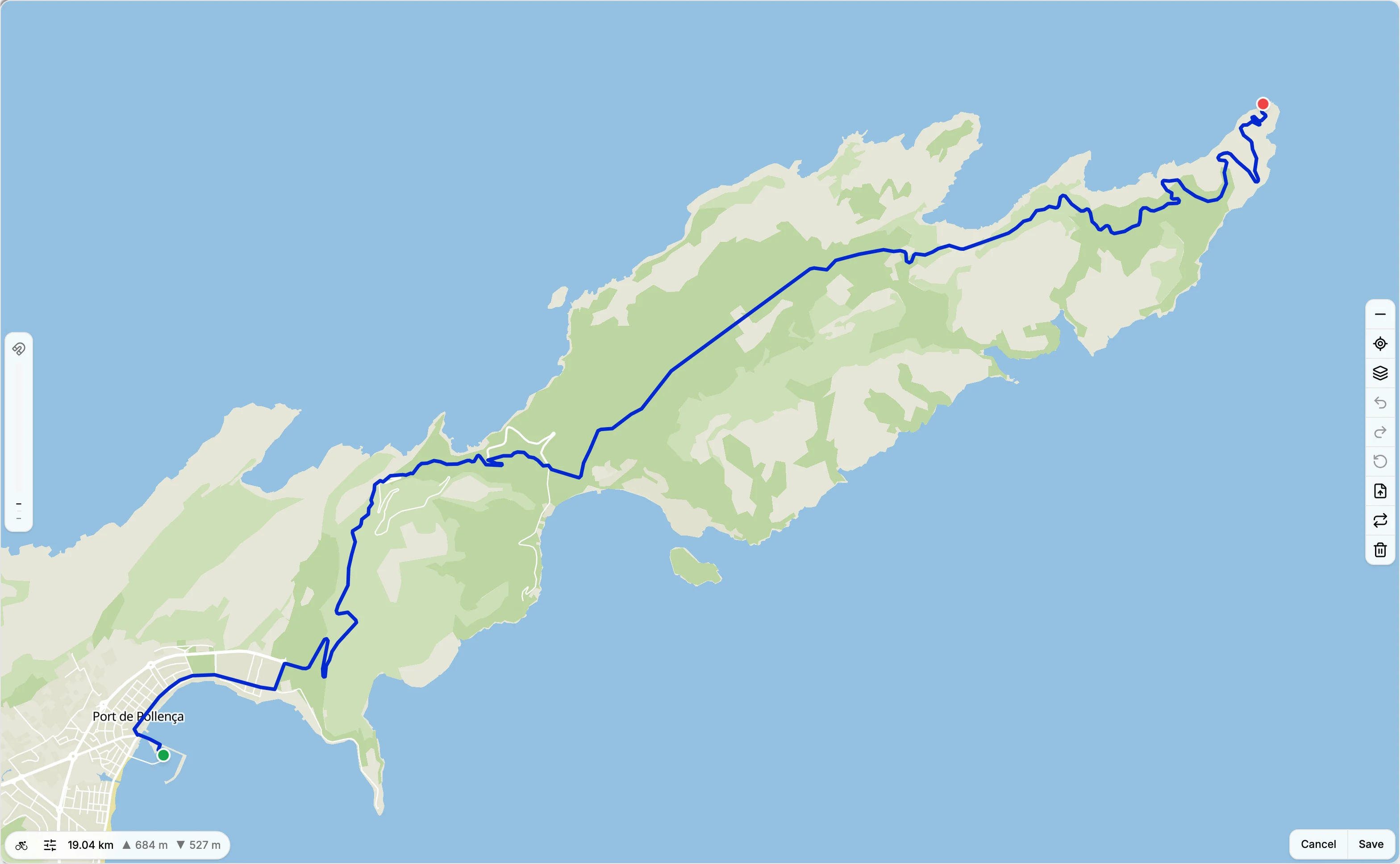
Follows the roads
Click to add a point. Rides route along roads, runs and walks along paths too. Drag the line to reshape it.
Make a loop
Type a distance and get a round trip from your start. Ask again for a different loop.
Climb as you draw
Distance, ascent and descent update with every point, and the time estimate comes from your own recent pace.
Hills, your call
Seek hills or avoid them on the bike, and skip steps on foot.
Loops
A loop of the length you need.
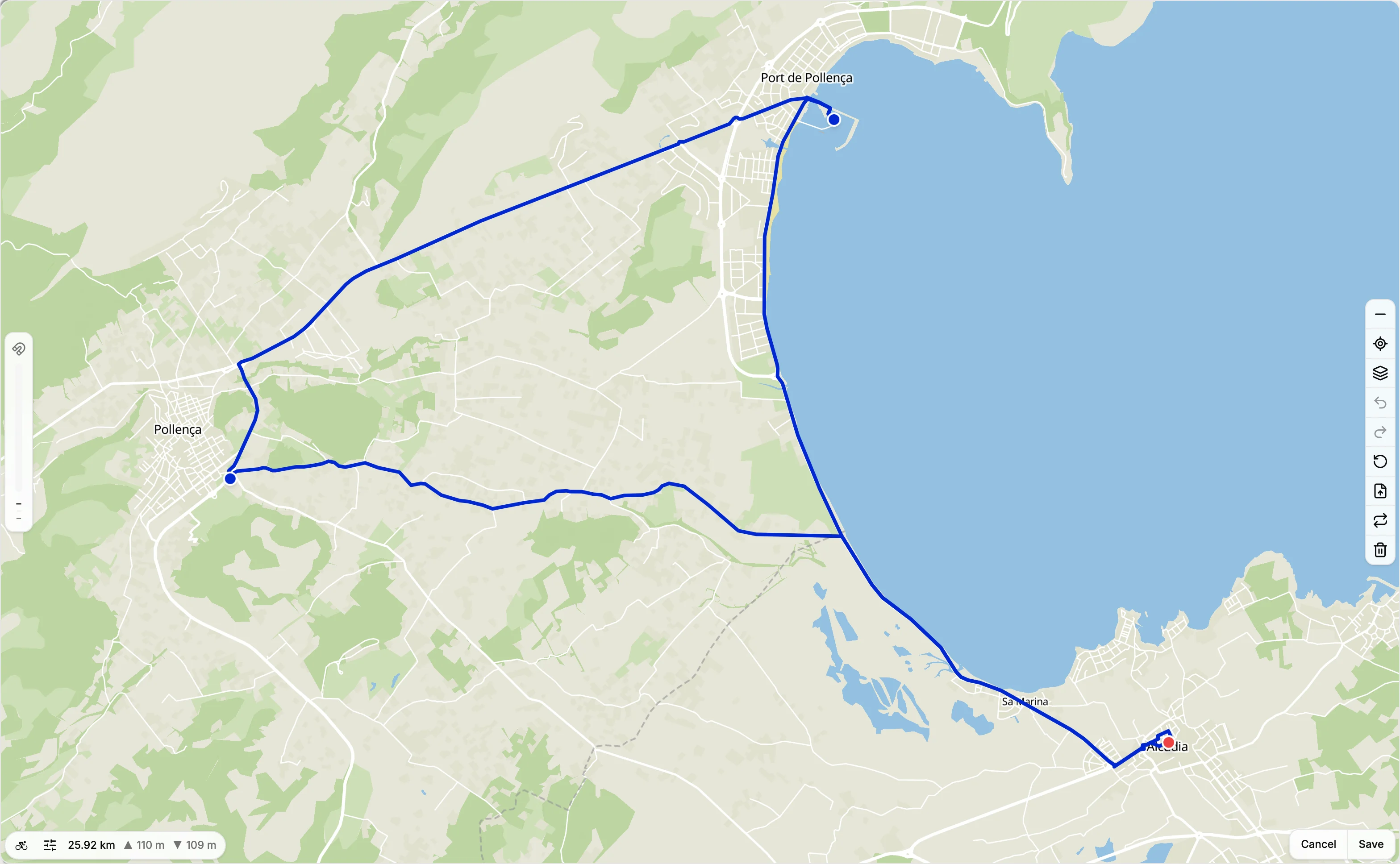
Out-and-backs are easy. Loops take planning. Type a distance and TNR draws a round trip from your start point.
Then make it yours: drag the line to take a different road, undo a step, or reverse the direction.
Saved routes
Every route, ready to reuse.
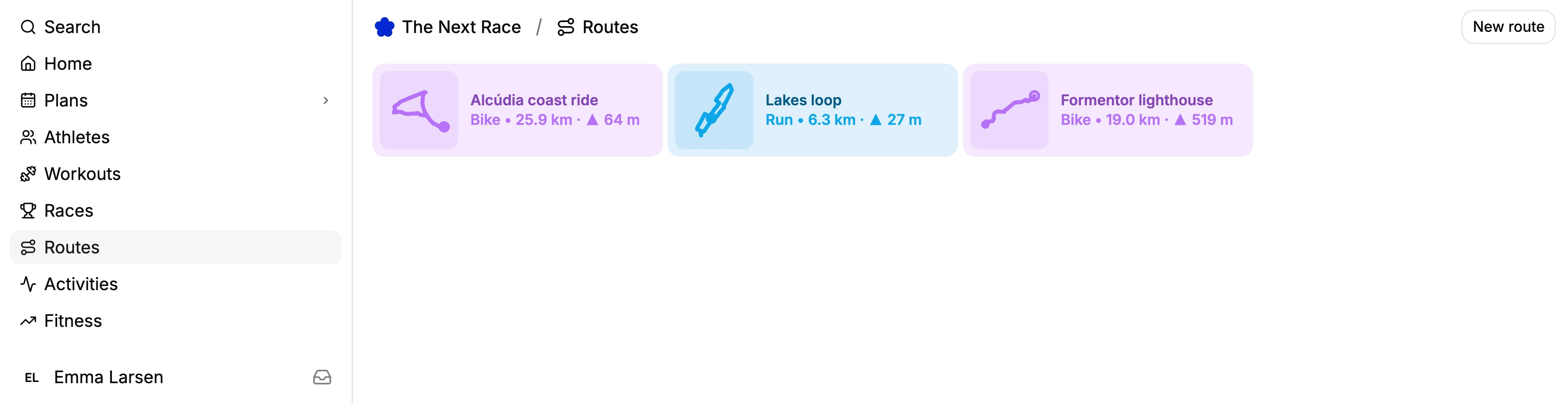
Routes live in their own list with sport, distance and climb. Found a great loop on a run? Save any activity with a GPS track as a route.
When you plan a session, pick a saved route and it's copied onto the workout.
Race courses
Know the course before race day.
Add the course to a race and it shows on the race's map until your race activity takes its place. Import the official GPX, or draw it yourself.
Every route exports as GPX, for your watch, your bike computer or any other app.
Frequently asked questions
Yes. The route planner is part of The Next Race, which is free to use with an account.
Runs, rides and walks. Rides follow roads suited to cycling, while runs and walks can also use footpaths.
Yes. Import a GPX file into the planner to edit it, and export any saved route as GPX for your watch, bike computer or another app.
Yes. When you add a route to a planned workout, pick one of your saved routes and it is copied onto the session, so later edits to the route don't change it.
Yes. Open any run, ride or walk with a GPS track and choose Save as route. The route keeps the activity's distance and climb.
From the map's terrain data, sampled along the route as you draw, so the climb updates with every point you add.